TRS Toolkit

Traffic sign and road marking design in CAD

A plugin for AutoCAD, ZWCAD and BricsCAD that takes a traffic design from an empty drawing to a sheet ready to print, with the rules built in.

  1. Underlay
  2. Axis and station
  3. Road markings
  4. Signs and posts
  5. Arrow signs
  6. Sheet ready to print

The traffic designer’s tools, on one ribbon tab

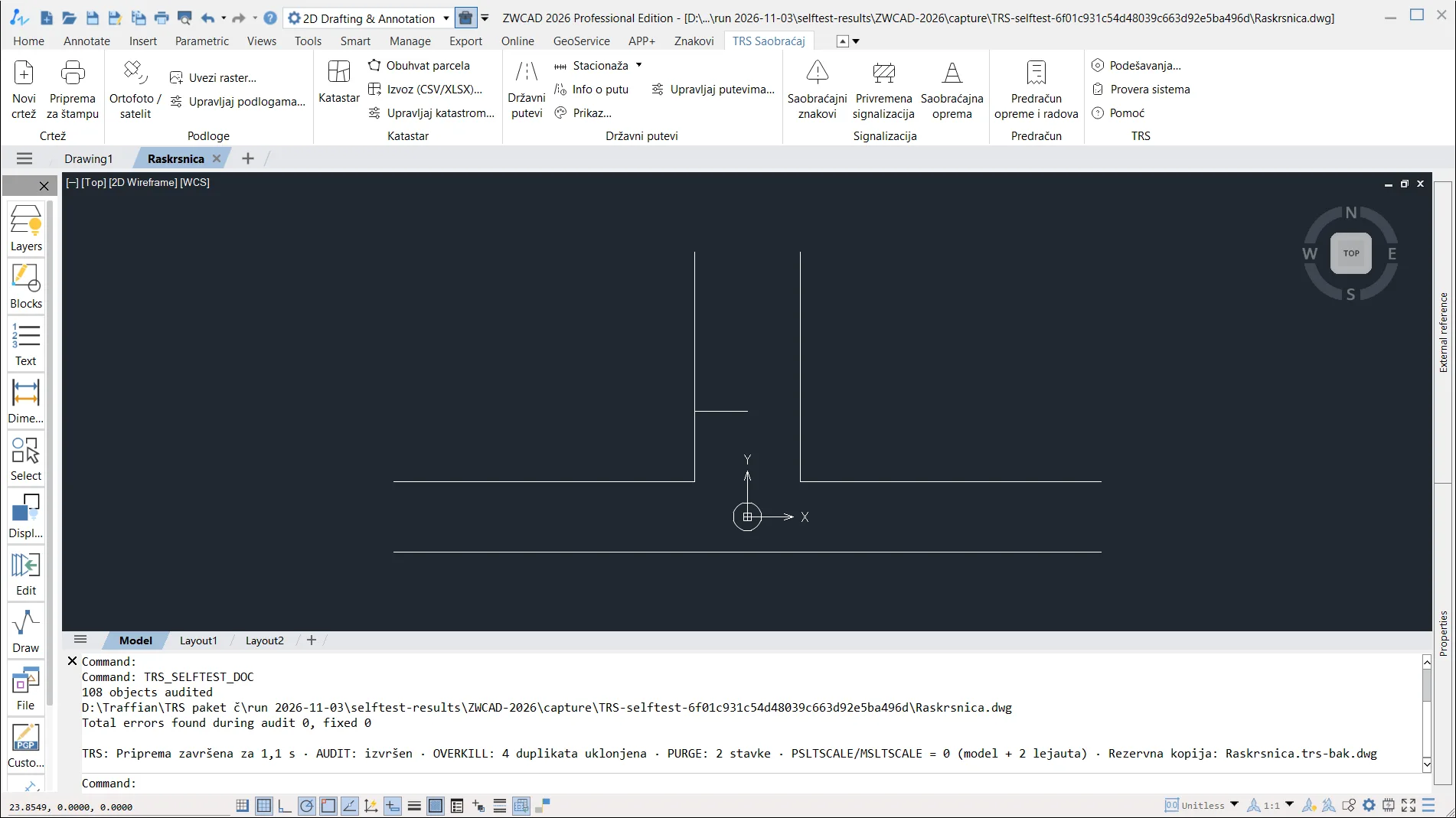
Traffic design in plain CAD means drawing the same lines, blocks and tables by hand, and checking the rulebook for every size and distance. TRS Toolkit adds a ribbon tab that does this work for you: it knows the markings, the signs and the rules, so sizes and distances come from the rules, not from memory.

  • Works inside the CAD program you already use
  • Every command is one step you can undo
  • The same template, layers and styles for the whole office
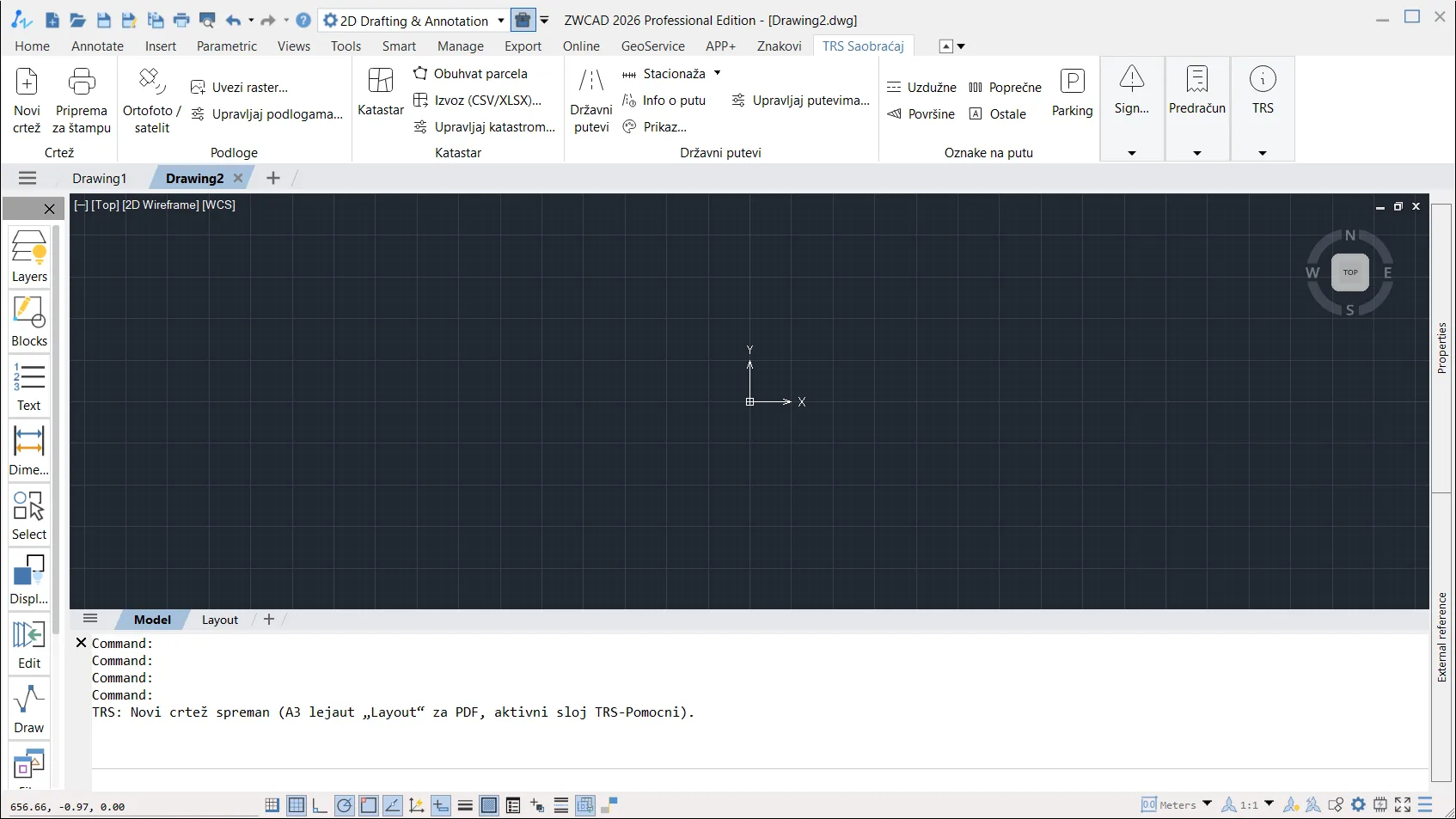
From an empty drawing to a sheet with signs

  1. Start with the ground

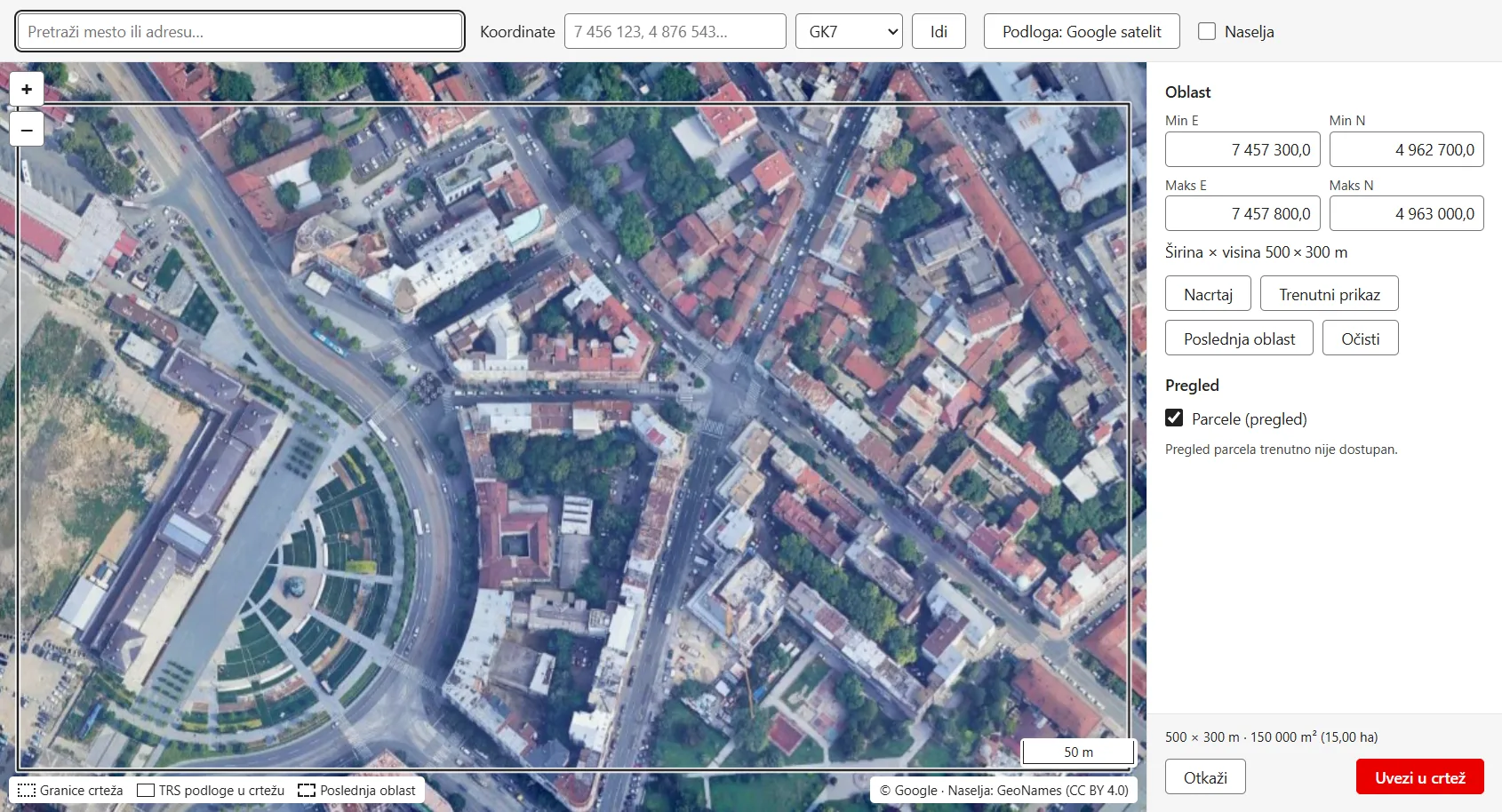
    Pick the area on a map and bring in aerial imagery and cadastral parcels, placed in the right coordinate system.

  2. Set the axis and station

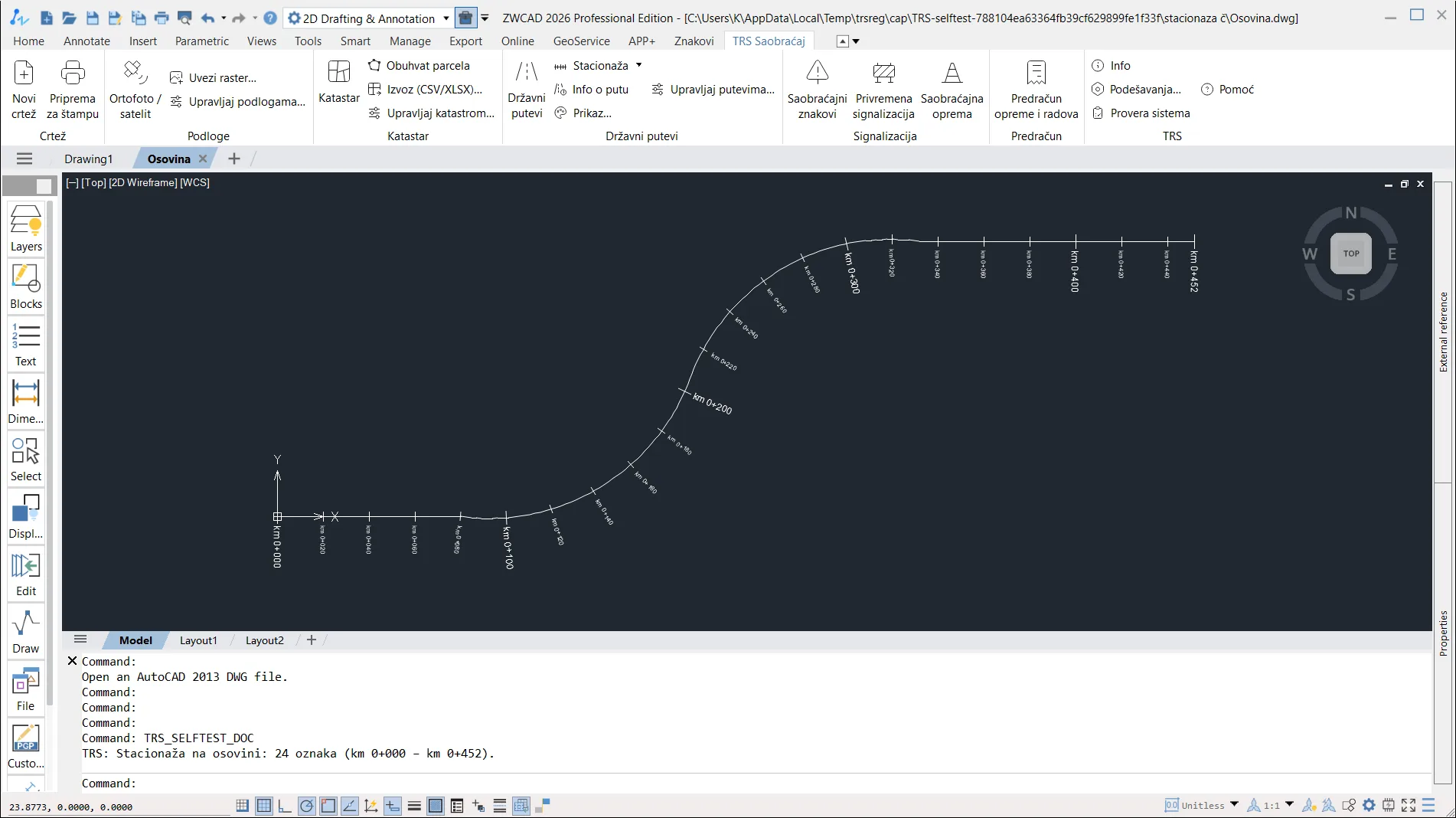
    Import a state road with its number, or use your own axis, and add station ticks and labels along it.

  3. Draw the markings

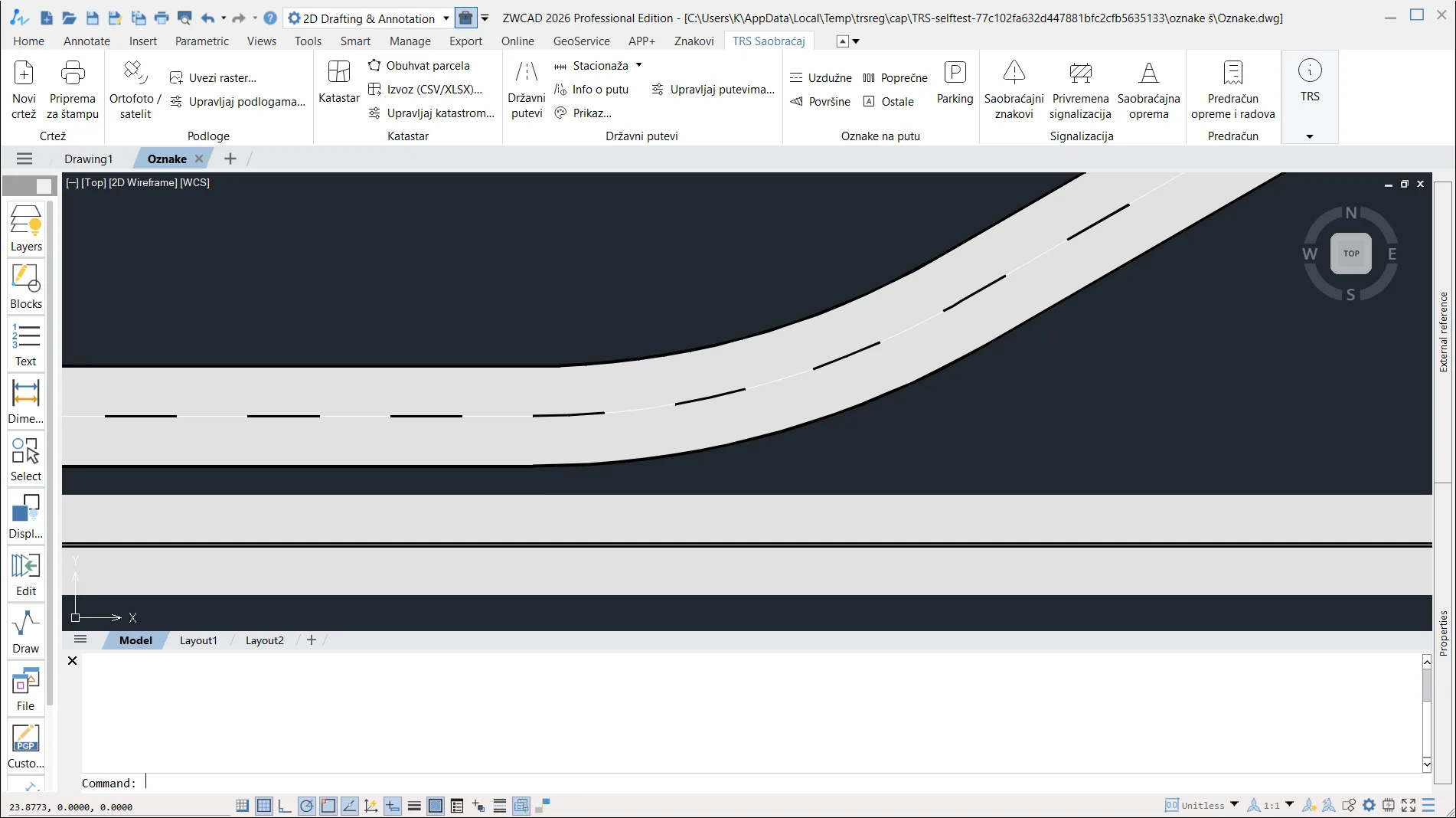
    Choose the marking and pick the lines. Widths, patterns and colours come from the standard.

  4. Place the signs and road equipment

    Pick traffic signs from the library and click beside the road. The post, the sign size and the mounting height follow the rules. Road equipment such as safety barriers and delineator posts goes in the same way, along the axis.

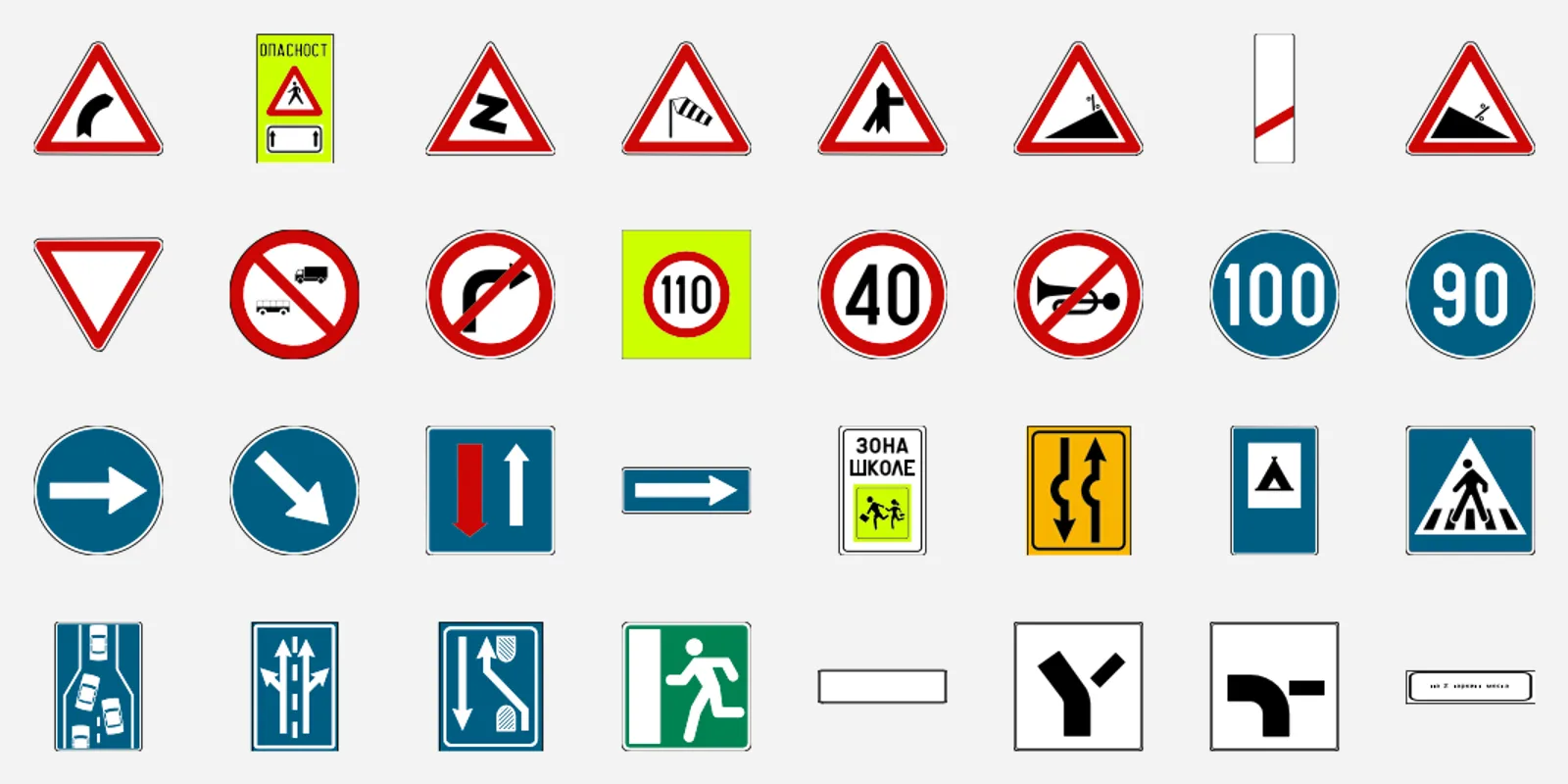
    A selection from the sign library: warning signs, regulatory signs, information signs and supplementary plates
  5. Print

    One command backs up, checks and cleans the drawing. The sheet is ready, and the quantities are already counted.

Everything a traffic design needs

  • Underlays and cadastre

    Orthophoto and satellite imagery for the area you choose, plus parcels, buildings, streets and house numbers. Export the parcels your design touches to a table.

  • State roads and station

    Bring in the state road network with road numbers. Read the station at a point or write it along any axis as labelled ticks.

  • Road markings

    Longitudinal, transverse and area markings, parking and the rest of the catalogue, each drawn as one object you can edit.

  • Signs and posts

    Stack signs and supplementary plates on a post. The size group, retroreflection class, mounting height and post length are worked out. Mark signs as new, existing or removed.

  • Guide signs and text signs

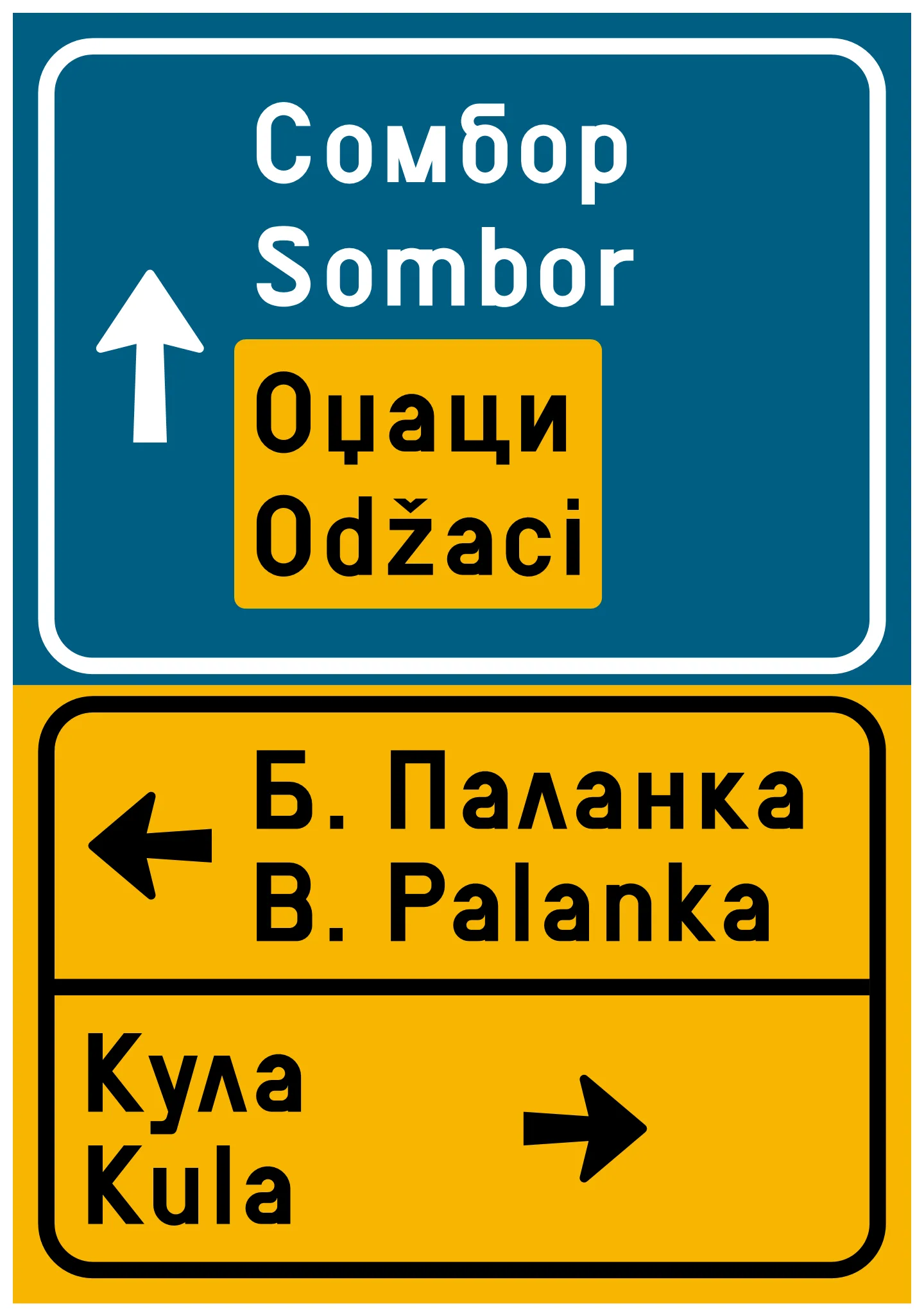
    Direction boards, arrow signs, motorway signs, route numbers and plates, laid out in the standard lettering from the destinations you enter.

  • Temporary traffic signalling

    Work-zone signs on a yellow background and the layouts of temporary traffic management, drawn with the same tools as the permanent design.

  • Road equipment

    Safety barriers, delineator posts and other road equipment placed along the axis by station.

  • Bill of quantities

    Every element you draw is counted as you go: each sign, post and marking. The bill of quantities comes out as a table for the project documentation.

  • Drawing setup and print preparation

    New drawings start from a template with a print layout. Before printing, one command removes duplicates and leftovers and sets the line scales.

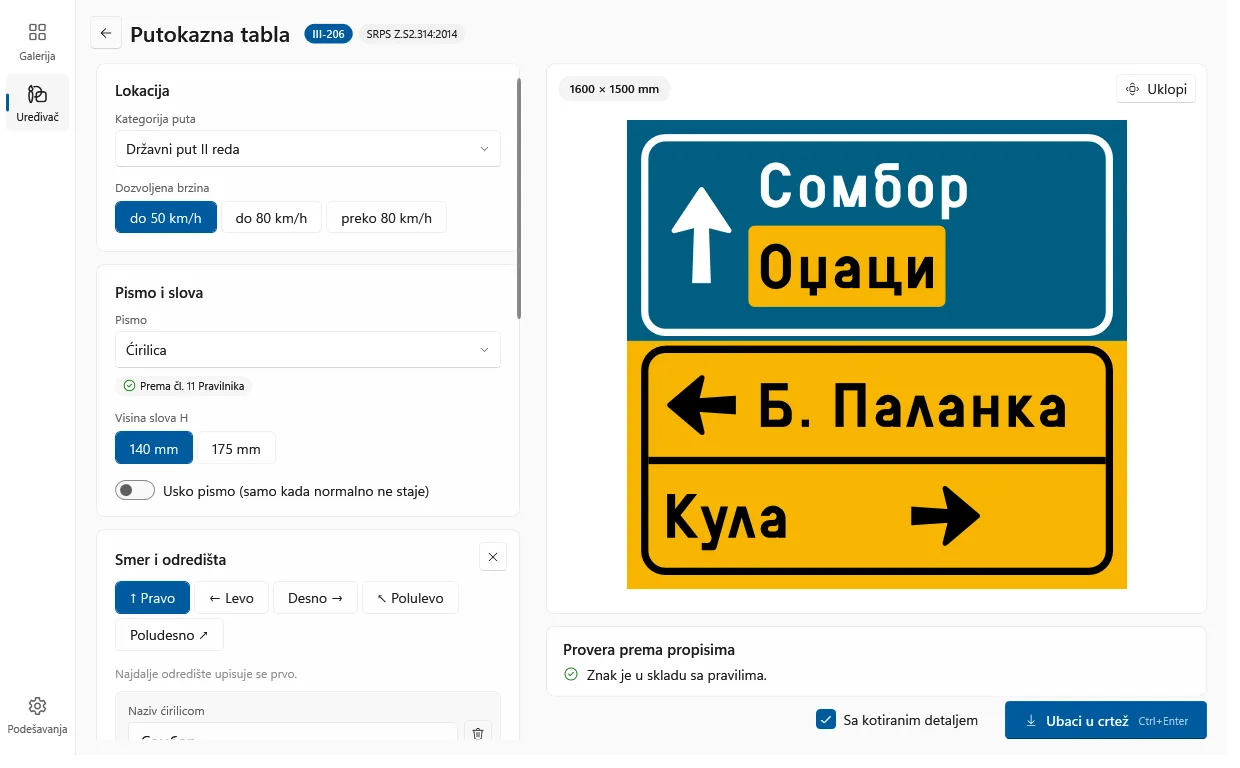
Type the destinations. Get the sign.

Laying out a direction sign by hand means working with the standard open beside you. TRS Toolkit sets the lettering, the spacing, the arrows and the colours as you type, shows the rule behind each choice, and checks the result. What used to take hours now takes less than a minute.

  • Cyrillic and Latin script chosen by the class of road
  • A clean block for the drawing and a dimensioned detail for production
  • Open a sign again later and change it

Signs made with TRS Toolkit

  • Direction board generated by TRS Toolkit, with destinations in Cyrillic and Latin script
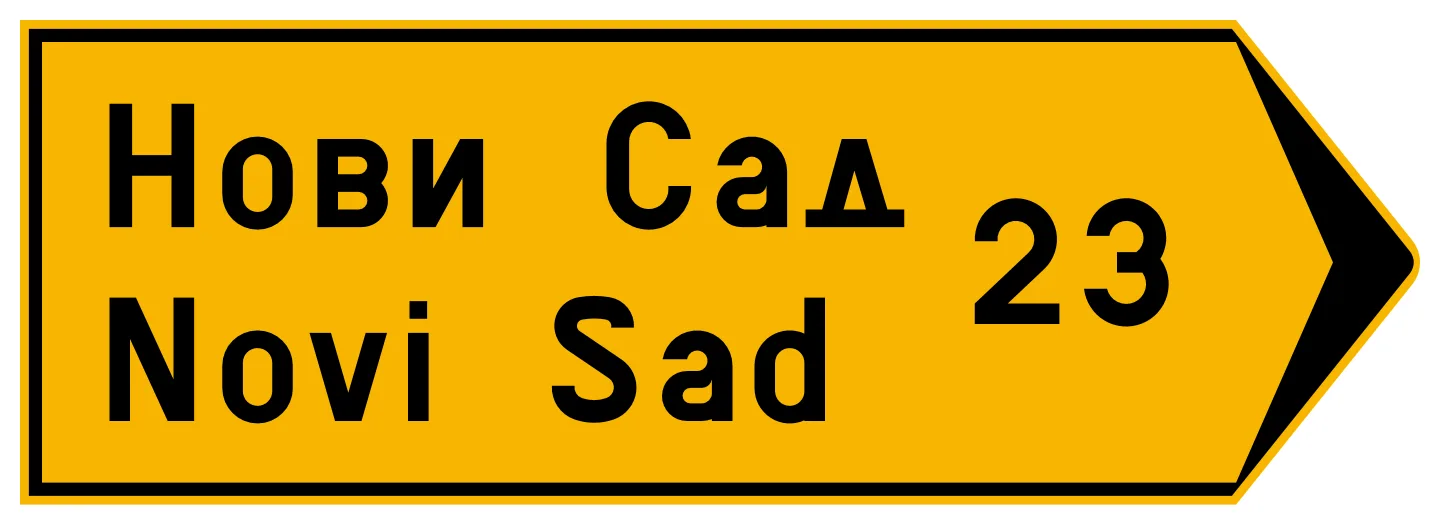
  • Arrow-shaped direction sign generated by TRS Toolkit, with a destination and its distance
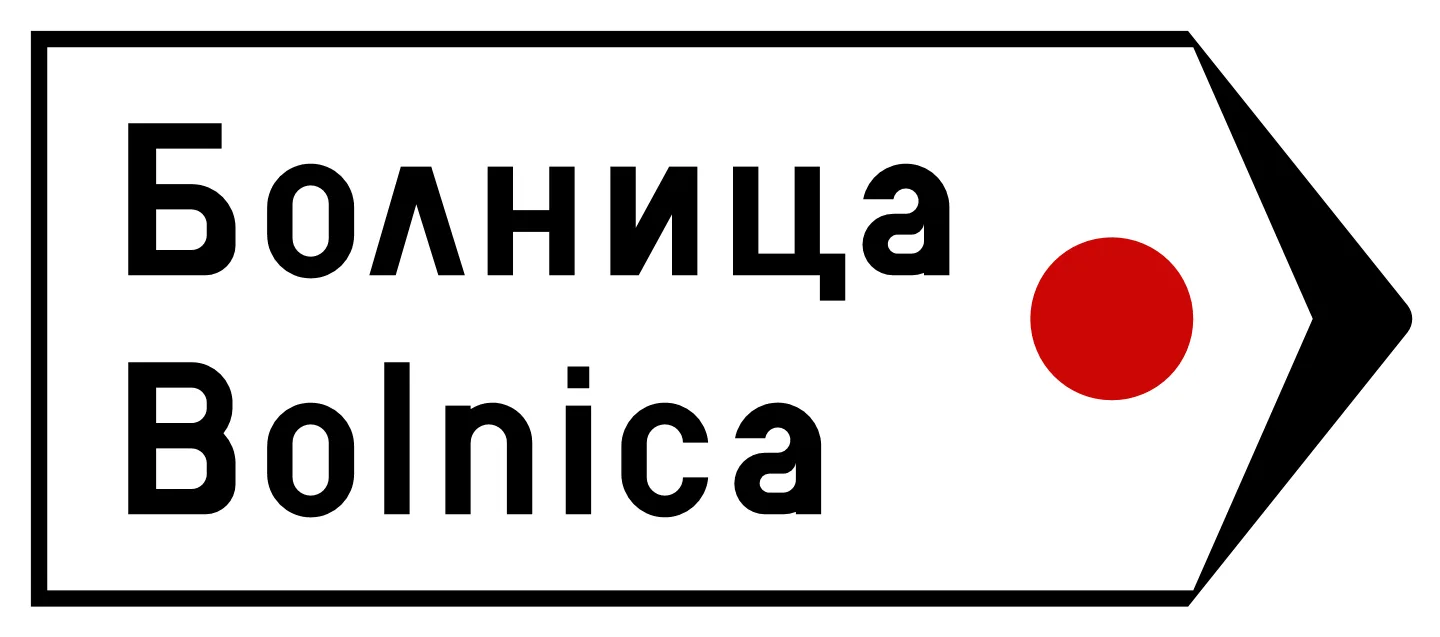
  • Direction sign to a facility, generated by TRS Toolkit
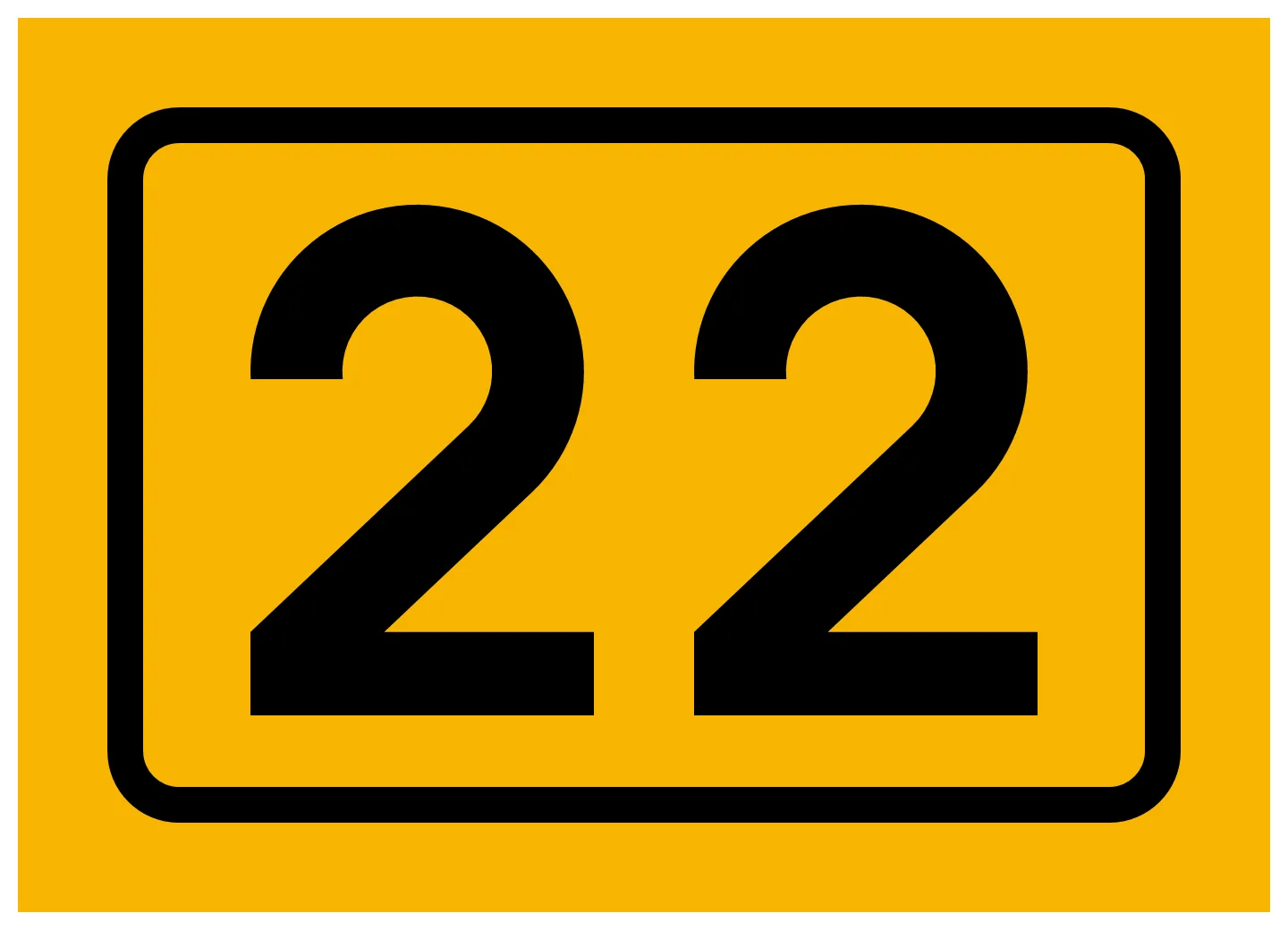
  • Route number sign generated by TRS Toolkit
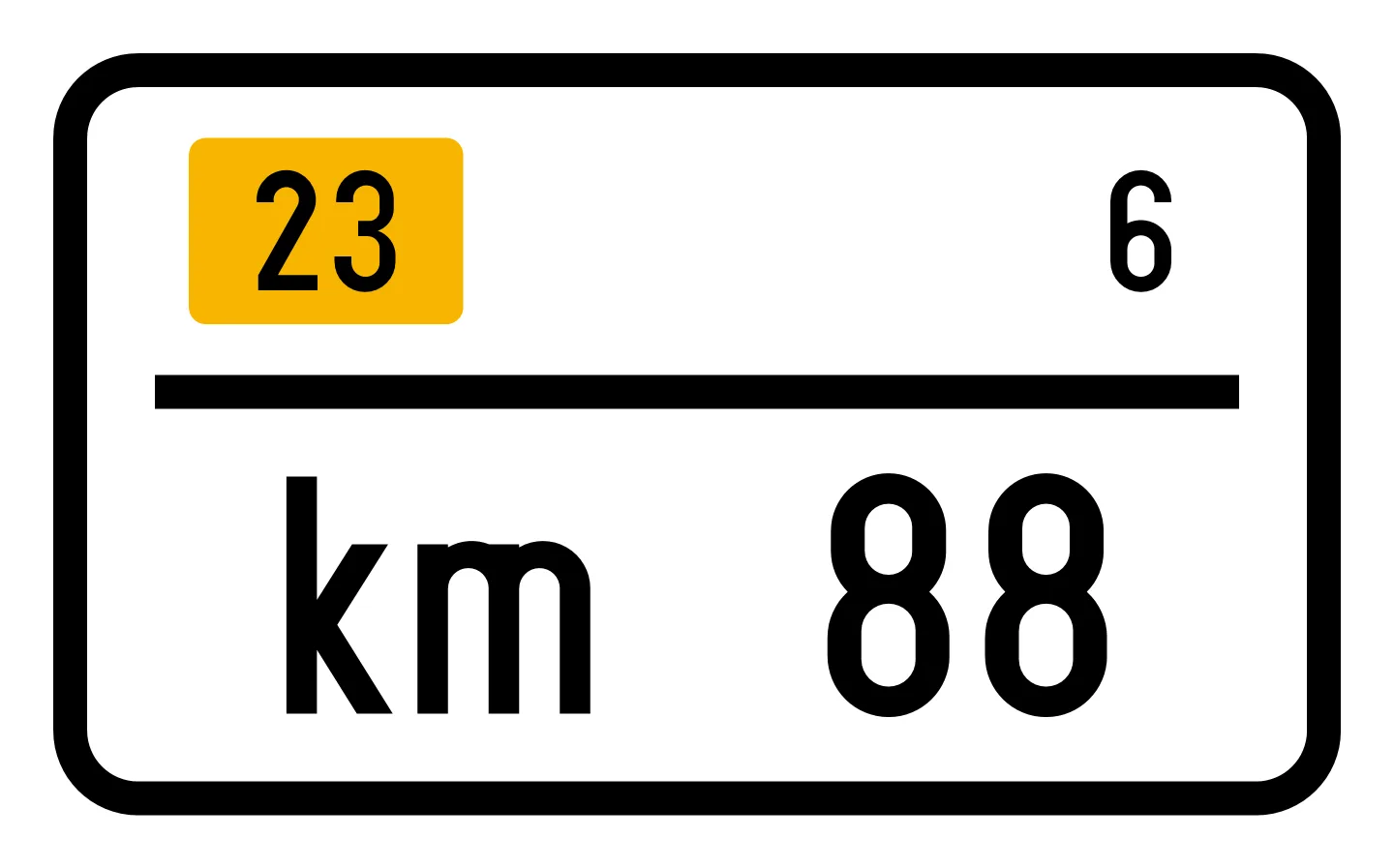
  • Station plate with road number and section, generated by TRS Toolkit
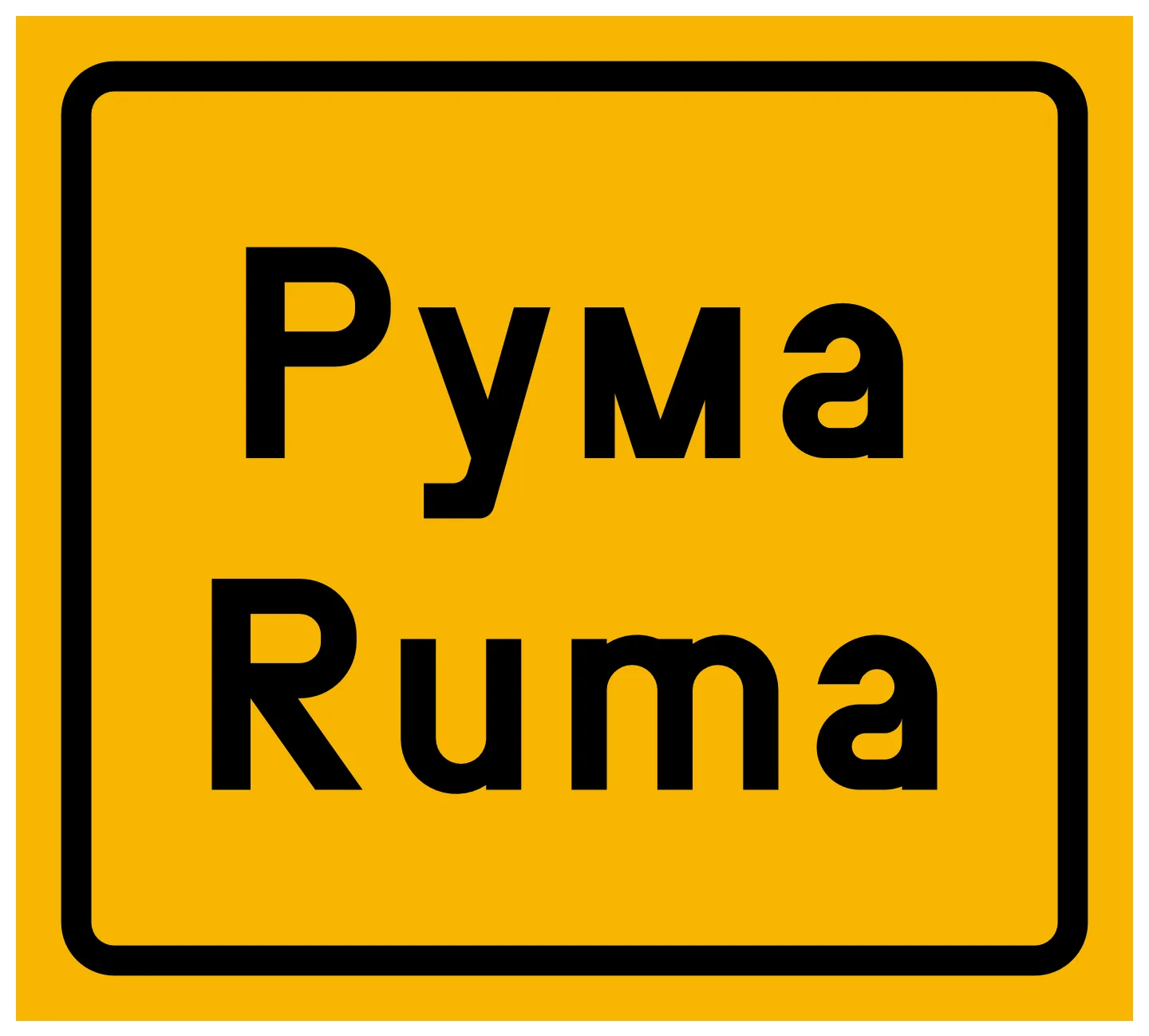
  • Settlement name sign generated by TRS Toolkit

For offices that design signs and markings every day

  • Design offices

    Produce signage and marking designs faster, with sizes and distances that follow the regulations.

  • Contractors

    Prepare temporary traffic management plans for work zones and get the list of signs to put on the road.

  • Road authorities and municipalities

    Keep signage drawings consistent across projects and offices, and read the quantities straight from the drawing.

Works on every road, proven on Serbian ones

TRS Toolkit works wherever you design: the drawing tools never depend on a country. The sign libraries and rules were built for Serbia first, and Serbian standards closely follow the European ones, so you start from a solid European base. Need your own national standards and guidelines? We add them on request.

In any country

  • Axis, station and drawing tools
  • Your own imagery as an underlay
  • Sign posts, quantities and print preparation

Built in for Serbia

  • Pravilnik o saobraćajnoj signalizaciji
  • Signs, markings, lettering and road equipment to SRPS and EN standards
  • State roads, imagery and cadastre of Serbia

Added on request

  • The sign library of your country
  • Your marking catalogue and placement rules
  • Your map and cadastre sources

Good to know

  • TRS Toolkit applies the rules for you, but the design stays yours: the engineer checks and signs it.
  • The sign library, the markings and the data sources are Serbian by default. Other countries are added on request.
  • Support for your CAD program and version is confirmed when you send an inquiry.

One annual licence, updates included

  • A licence lasts 12 months and renews each year; we email you a reminder before the renewal date.
  • It is used on one computer at a time.
  • You can move it to another computer up to three times.
  • You activate it online with a licence key.
  • Updates of the program and of the sign library are included while the licence is active.

Send an inquiryRead the licence terms

System requirements

Operating system
Windows
CAD program
AutoCAD, ZWCAD or BricsCAD
Hardware
Same as your CAD program. If it runs smoothly, the plugin will too.
Internet
Needed for the plugin features

Need it for a whole office? Tell us the number of computers and your CAD program, and we prepare one offer for all of them.

Questions and answers

Which CAD programs does TRS Toolkit work in?

TRS Toolkit runs inside AutoCAD, ZWCAD and BricsCAD on Windows. Tell us your program and version in the inquiry and we will confirm compatibility.

Can I use it for projects outside Serbia?

Yes. The drawing tools work on any road. The sign library, the road markings and the placement rules follow the Serbian rulebook and SRPS standards, which are in line with European practice. Libraries and rules for other countries are added on request.

What is in the sign library?

More than 600 traffic signs and supplementary plates from the Serbian rulebook, in the sizes and retroreflection classes the rules require, plus the temporary signs used in work zones.

Can it design guide signs with my own destinations?

Yes. You enter the destinations and TRS Toolkit lays out the sign with the standard lettering and spacing. You get a clean block for the drawing and a dimensioned detail for production, and you can edit the sign again later.

Can a whole office share the same settings?

Yes. A team keeps one shared settings file and drawing template on a network drive, so every drawing starts from the same layers, styles and title block.

Can I move my licence to another computer?

Yes. A licence is used on one computer at a time and can be moved to another computer up to three times.