RSI Viewer support
Answers to common questions, the user manual, licence help and release notes. For anything else, write to support@traffian.com.
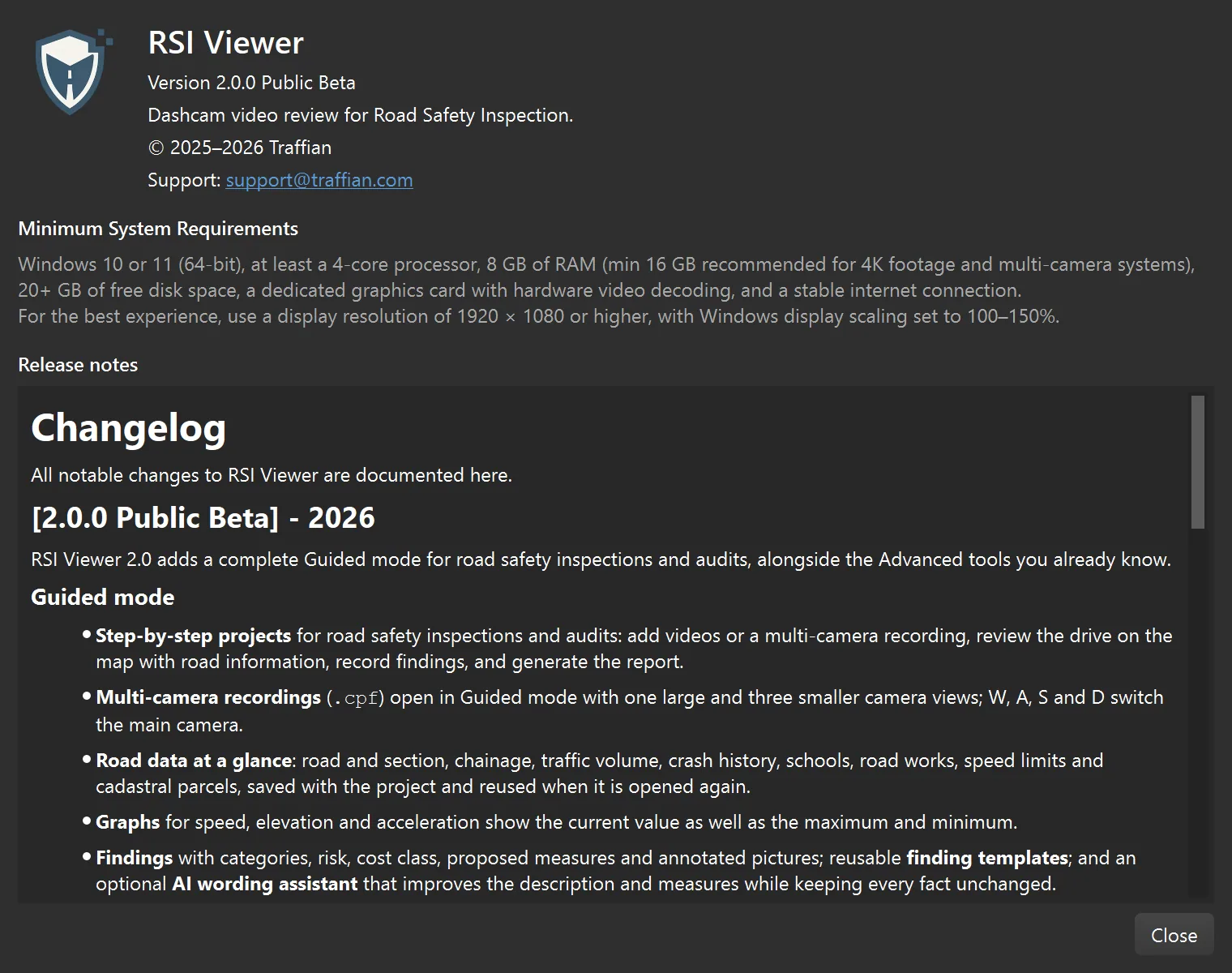 View screenshot at full size: About window with the minimum system requirements and the release notes
Questions
Frequently asked questions
What is the difference between a road safety inspection and a road safety audit?
A road safety inspection (RSI) is a periodic review of an existing road in operation to find deficiencies that affect safety. Supporting road safety inspections is the primary job of RSI Viewer. A road safety audit (RSA) is an independent safety check of a road project at defined stages, from design to early operation. RSI Viewer supports the stages where the road can be driven and recorded: pre-opening and early operation.
Which recordings can I use?
Dashcam videos (MP4, MOV), including 360° recordings, and multi-camera recordings (.cpf), with GPS in the file, a sidecar log (NMEA, .LOG, _GPS.xml, .txt) or an imported GPX, KML or NMEA track. Without a GPS track, position and speed can be read from the on-screen text. Recordings cut off by power loss can often be repaired with Video Recovery.
How accurate is the chainage?
Stations come from the camera GPS and the road reference. They locate findings reliably but are not survey measurements. Road Measurement on a paused frame is a flat-road estimate, not a survey.
Does RSI Viewer find deficiencies automatically?
No. The inspector decides what is a deficiency and how serious it is. RSI Viewer locates, documents and reports those decisions. The optional AI wording improves the grammar and clarity of a description without changing its numbers, and only after you allow it.
What does the report contain?
The report is an editable Microsoft Word (.docx) document in Serbian, in Latin or Cyrillic script. It follows the Serbian rulebook on road safety audit and inspection (Službeni glasnik RS 52/2019). Findings are grouped by the rulebook’s 11 chapters or by the 8 PIARC chapters. It contains location and route maps, traffic volume and crash statistics, one page per finding with its photo, crash types and alternative measures, a summary of measures, and your client and company logos. Word is needed only to open and edit the file.
Can I use RSI Viewer outside Serbia?
In Serbia, RSI Viewer fills in the state road, chainage (station), traffic volume (AADT), recorded crashes, settlements and schools, and this data works offline; work zones and cadastre need an internet connection. Outside Serbia you set the road and chainage yourself and import your own crash data; maps, satellite imagery and OpenStreetMap speed limits still work. Reports are in Serbian (Latin or Cyrillic).
What do I need to run it?
Windows 10 or 11 (64-bit). Recommended: 4-core processor, 8 GB RAM (16 GB for 4K or multi-camera video), a graphics card with hardware video decoding, 20 GB free disk space and a 1920 × 1080 display. RSI Viewer checks its licence online at every start, so it needs an internet connection to open; map backgrounds, cadastre, AI wording and updates also need internet. Video playback, findings and the Serbian road data installed with the program work offline.
Where is my data stored?
Videos, projects and reports stay on your computer and are never uploaded. RSI Viewer sends the licence check and, unless you turn them off, crash reports and anonymous usage counts. Map backgrounds, cadastre and route data are requested from their providers for the area of your route. The optional AI wording sends only the text you choose to improve, through Traffian’s service to OpenAI. Details are in the privacy notice.
Manual
User manual
RSI Viewer includes a searchable user manual in English and Serbian. Press F1 in the application to open it; it also works offline.
Licence
Licence transfers and renewal
Each licence is an annual subscription for one computer at a time. You can move it to another computer up to three times.
To transfer a licence, or to cancel automatic renewal, write to support@traffian.com.
Read the licence termsRequirements
System requirements
Windows 10 or 11 (64-bit). The recommended hardware is listed below; RSI Viewer does not test the computer.
What RSI Viewer fills in automatically in Serbia, and what works outside Serbia, is answered in the FAQ on this page.
- Windows 10 or 11, 64-bit
- Recommended: 4-core processor, 8 GB RAM (16 GB for 4K or multi-camera recordings), 20 GB free disk space
- Graphics card with hardware video decoding; 1920 × 1080 display
- Internet connection at every start (licence check), and for map backgrounds, cadastre, updates and optional AI wording
- Works offline after start: video playback, findings and the Serbian road data installed with the program
- Optional: Microsoft Word to open and edit the report; AutoCAD, BricsCAD or ZWCAD for DWG; Google Earth
- Video in MP4 or MOV format, including 360° recordings; multi-camera recordings as .cpf projects
Releases
Release notes
RSI Viewer installs signed, verified updates from within the application. You can also choose Check for Updates at any time.
- 2.0.1 · 2026-11-05
- Guided-mode reports are written again when RSI Viewer is started from the Start menu or a shortcut.
- 2.0.0 · 2026-11-04
- First public release.
Contact
Contact support
Write to support@traffian.com with your RSI Viewer version and a short description or screenshot of the problem.
Pricing
Request a price for RSI Viewer
Annual subscription for one computer. Tell us about your team and the roads you inspect, and we will send an offer.